
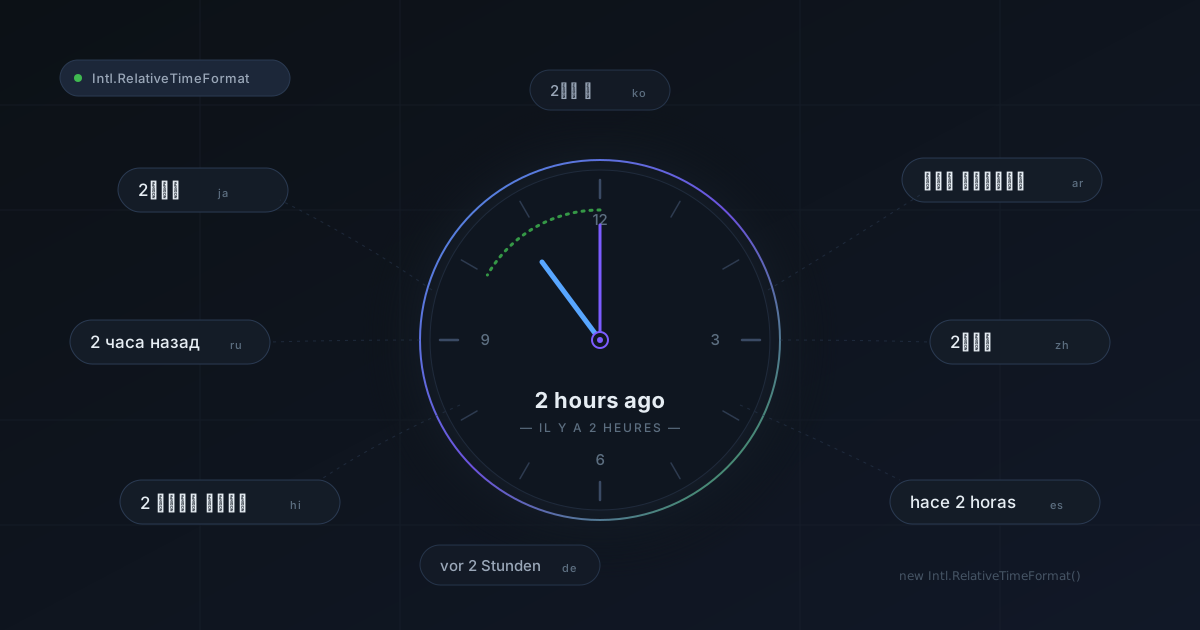
Any application that displays dates eventually has to present them in a relative, human-readable form: "3 minutes ago", "in 2 days", "last week". The naive approach is a pile of if/else statements and hand-written strings.
The right approach is Intl.RelativeTimeFormat, available in every browser since 2020.
The problem with doing it yourself
Here's what a home-grown relative time formatter usually looks like:
function timeAgo(date) {
  const seconds = Math.floor((Date.now() - date) / 1000);

  if (seconds < 60) return `${seconds} seconds ago`;
  if (seconds < 3600) return `${Math.floor(seconds / 60)} minutes ago`;
  if (seconds < 86400) return `${Math.floor(seconds / 3600)} hours ago`;
  return `${Math.floor(seconds / 86400)} days ago`;
}
And even with an i18n library like next-intl, the temptation is simply to move the strings into translation files without fixing anything underneath:
// messages/en.json
// {
//   "timeAgo": {
//     "seconds": "{count} seconds ago",
//     "minutes": "{count} minutes ago",
//     "hours":   "{count} hours ago",
//     "days":    "{count} days ago"
//   }
// }

import { useTranslations } from 'next-intl';

function useTimeAgo() {
  const t = useTranslations('timeAgo');

  return (date: Date) => {
    const seconds = Math.floor((Date.now() - date.getTime()) / 1000);

    if (seconds < 60)    return t('seconds', { count: seconds });
    if (seconds < 3600)  return t('minutes', { count: Math.floor(seconds / 60) });
    if (seconds < 86400) return t('hours',   { count: Math.floor(seconds / 3600) });
    return t('days', { count: Math.floor(seconds / 86400) });
  };
}
It feels like you've solved the i18n problem because the strings are now translatable, but really you've just moved the debt around. The unit-selection logic is still hand-rolled, and none of the target languages' pluralization rules are being applied.
Pluralization rules vary enormously across languages. Arabic has six plural forms. Welsh has a special form for "2". Russian uses different forms depending on whether the number is 1, 2–4, or 5 and above. Your home-grown formatter will get every one of these cases wrong.
Why reinvent the wheel: the Intl.RelativeTimeFormat API
Modern JavaScript ships with a wealth of powerful APIs — in particular, the internationalisation APIs under Intl.
In our case, Intl.RelativeTimeFormat takes a locale and an options object. The format() method handles all of the transformations for you:
const relativeTimeFormat = new Intl.RelativeTimeFormat('en', { numeric: 'auto' });

relativeTimeFormat.format(-1, 'day');     // "yesterday"
relativeTimeFormat.format(3, 'hour');     // "in 3 hours"
relativeTimeFormat.format(-10, 'second'); // "10 seconds ago"
The first argument to format() is a signed number (negative = past, positive = future), and the second is a time unit: "second", "minute", "hour", "day", "week", "month", "quarter" or "year".
The options
A handful of options let you fine-tune the result:
The numeric option
The numeric option determines whether the formatter uses natural-language shortcuts or systematically falls back to numbers:
const auto   = new Intl.RelativeTimeFormat('en', { numeric: 'auto' });
const always = new Intl.RelativeTimeFormat('en', { numeric: 'always' });

auto.format(0, 'day');    // "today"
always.format(0, 'day');  // "in 0 days"

auto.format(-1, 'day');   // "yesterday"
always.format(-1, 'day'); // "1 day ago"

auto.format(1, 'week');   // "next week"
always.format(1, 'week'); // "in 1 week"
numeric: 'auto' is almost always what you want for interface copy.
The style option
Three options control the level of verbosity:
const long   = new Intl.RelativeTimeFormat('en', { style: 'long' });
const short  = new Intl.RelativeTimeFormat('en', { style: 'short' });
const narrow = new Intl.RelativeTimeFormat('en', { style: 'narrow' });

long.format(-3, 'month');    // "3 months ago"
short.format(-3, 'month');   // "3 mo. ago"
narrow.format(-3, 'month');  // "3mo ago"
Use narrow for dense interfaces like calendars or notification badges, and long for accessible text.
True multilingual rendering
This is where Intl.RelativeTimeFormat really shows its value:
const locales = ['en', 'fr', 'de', 'ar', 'ja', 'ru', 'zh'];
const opts = { numeric: 'auto' };

for (const locale of locales) {
  const relativeTimeFormat = new Intl.RelativeTimeFormat(locale, opts);
  console.log(`${locale}: ${relativeTimeFormat.format(-3, 'day')}`);
}
Output:
en: 3 days ago
fr: il y a 3 jours
de: vor 3 Tagen
ar: قبل ٣ أيام
ja: 3 日前
ru: 3 дня назад
zh: 3天前
Zero effort. Correct pluralization. Correct script. Correct numeral system — Arabic automatically gets Eastern Arabic-Indic digits.
The translation work has already been done by the JavaScript engine developers; you no longer have to carry that responsibility.
Styling
Using the format method does come with one drawback: it doesn't let you style the output very finely.
For example, if you wanted to display the duration text in black italics and the numeric value in dark blue bold.
Since format returns a plain string, you would have to parse it, format it, and reassemble the string yourself — and lose all the benefits.
This is where formatToParts() comes in.
Unlike format, formatToParts() returns a structured array:
const relativeTimeFormat = new Intl.RelativeTimeFormat('en', { numeric: 'always' });
relativeTimeFormat.formatToParts(-5, 'minute');
// [
//   { type: 'integer', value: '5', unit: 'minute' },
//   { type: 'literal', value: ' minutes ago' }
// ]
This lets you render something like "5 minutes ago" inside a React component without any string parsing:
function RelativeTime({ value, unit, locale = 'en' }) {
  const rtf = new Intl.RelativeTimeFormat(locale, { numeric: 'auto' });
  const parts = rtf.formatToParts(value, unit);

  return (
    <span>
      {parts.map((p, i) =>
        p.type === 'integer'
          ? <strong key={i}>{p.value}</strong>
          : <span key={i}>{p.value}</span>
      )}
    </span>
  );
}
In summary
Intl.RelativeTimeFormat is a must-have from the Intl namespace.
It handles the hard parts of pluralization for you, along with writing direction, number formatting, and the translation of the text itself.
If you're shipping readable dates to an audience that spans more than one locale, this is the tool to reach for.